
Event florist software: 2026 comparison
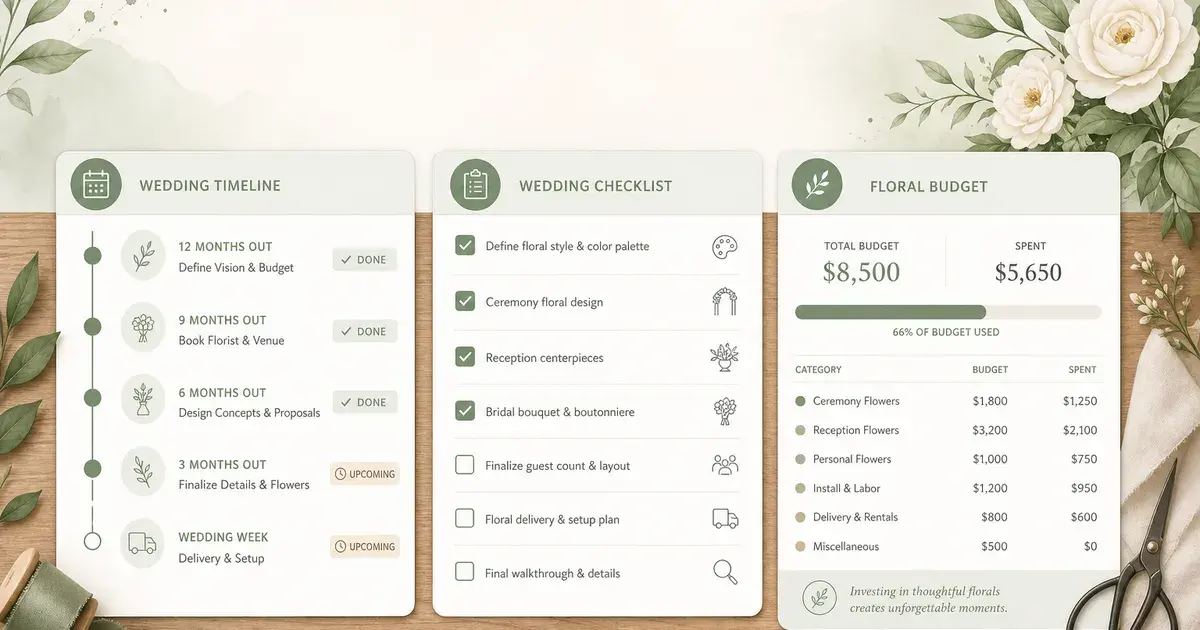
Seven tools compared on what matters to a wedding florist: language, VAT, quotes, e-signature and price.
7 min read
Published by FlolyaFor a florist who sells weddings and events on quotes in France, few tools combine French, euros, French VAT, arrangement pricing and client e-signature. Flolya and WeddingPlan are French; Curate, Details Flowers, Floranext and Lobiloo are built for the United States; POS software serves the shop first.
This comparison reflects what each vendor publishes on its website as of 24 October 2026. Flolya is our software: every fact about other tools is sourced at the end.
The criteria that matter to an event florist
- Language, currency and VAT: your quotes and invoices must follow local rules.
- Recipe pricing: each arrangement price starts from flower, supply and labour costs.
- Proposal and signature: the client reviews, chooses and signs without printing.
- Purchasing: the list of stems to order comes from the arrangements sold.
- Price and trial: a published price and a no-commitment trial avoid surprises.
Florist software comparison for 2026
| Software | For whom | Language and currency | Listed price | Free trial | Client e-signature |
|---|---|---|---|---|---|
| Flolya | Event florists and floral designers | French and English, euros | €149 per year (Events Pass) or €49.99 per month (Studio) | 30 days, no card | Built in, unlimited on Studio |
| WeddingPlan | Wedding professionals, Floral Designer offer | French and English, euros | €40 per month incl. VAT (Pro) | 15 days, no card | Yousign, 50 per year |
| Curate | Florists, caterers, venues and rentals (US) | English, US dollars | From $275 per month (per Capterra) | No (per Capterra) | Built in |
| Details Flowers | Wedding florists (US) | English, US dollars | On request, $25 per month per extra user | 7 days | Built in |
| Floranext | Retail and event florists (US) | English, currency not stated | On request | Offered | Not stated |
| Lobiloo | Event florists, AI-assisted recipes | English, US dollars | $29 per month | Not stated | Not stated |
| Choops (Evoluflor) | Retail florists, POS software (France) | French, euros | From €42 per month excl. VAT | Not stated | Not stated |
Which software for which florist?
- You mostly run a shop with a few quoted orders: POS software such as Choops handles checkout, orders, quotes and invoices.
- You plan the whole wedding with the couple and other vendors: WeddingPlan covers timelines, vendors and the couple portal.
- You price, sell and produce flowers for weddings and events in France or Europe: Flolya links the recipe, floral proposal, signature, purchasing and payments.
- You work in the United States in dollars: Curate and Details Flowers take card payments and connect to US wholesalers.
Discover Flolya, florist software for events
Compare Flolya with one tool in detail
Flolya or WeddingPlan: comparison for florists
Flolya or Curate: an alternative built for France
Flolya or Details Flowers: an alternative built for France
Organise production for several weddings in one weekend
What sets Flolya apart
- The true price of every arrangement: preloaded catalogue with bunch sizes and loss rates, supplies and labour at your hourly rate.
- A floral proposal with options the client chooses and signs from the same link, with amendments signed the same way.
- Equipment rental and stock: rental items on the quote, vases and structures tracked, shortages flagged per event.
- Quotes and invoices that follow French rules, with no fee on your clients’ payments.
- A network of freelance florists to find extra hands on busy weeks.
- From €149 a year, with a 30-day trial and no card required.
Flolya does not replace your in-shop till and does not take card payments online: your clients pay by bank transfer.
How much time could you save?
Measure the time spent on briefs, pricing, revisions and purchase preparation for one event. Repeat the same scenario during the software trial. Hypothetical example: saving one hour on each of 20 weddings represents 20 hours across the season. This illustrates a method, not a measured result for Flolya customers.
Frequently asked questions
- What is the best software for a wedding florist?
- It depends on your business. To price, sell and produce weddings on quotes in France or Europe, look for a tool in your language with local VAT, recipe pricing and client signature, such as Flolya. To plan the whole wedding with the couple, WeddingPlan is broader.
- Is POS software enough for weddings?
- For a few quoted orders, often yes. It usually does not price arrangements by recipe or offer a floral proposal to sign online: check these points if weddings are a large share of your revenue.
- Can spreadsheets manage weddings?
- Yes, if your files stay reliable and fit your volume. Compare re-entry time, version tracking and purchase preparation before switching tools.
- Do I need software from my own country?
- The tool must support the requirements of the country where you operate. Check tax settings, documents, language and support; the publisher's nationality alone does not guarantee compliance.
Try Flolya on your next wedding
Costed recipes, floral proposal, signature and purchase list: a 30-day trial with no card required.
View pricing30-day free trial, no card required.