Events and calendar
One record. Your whole event.
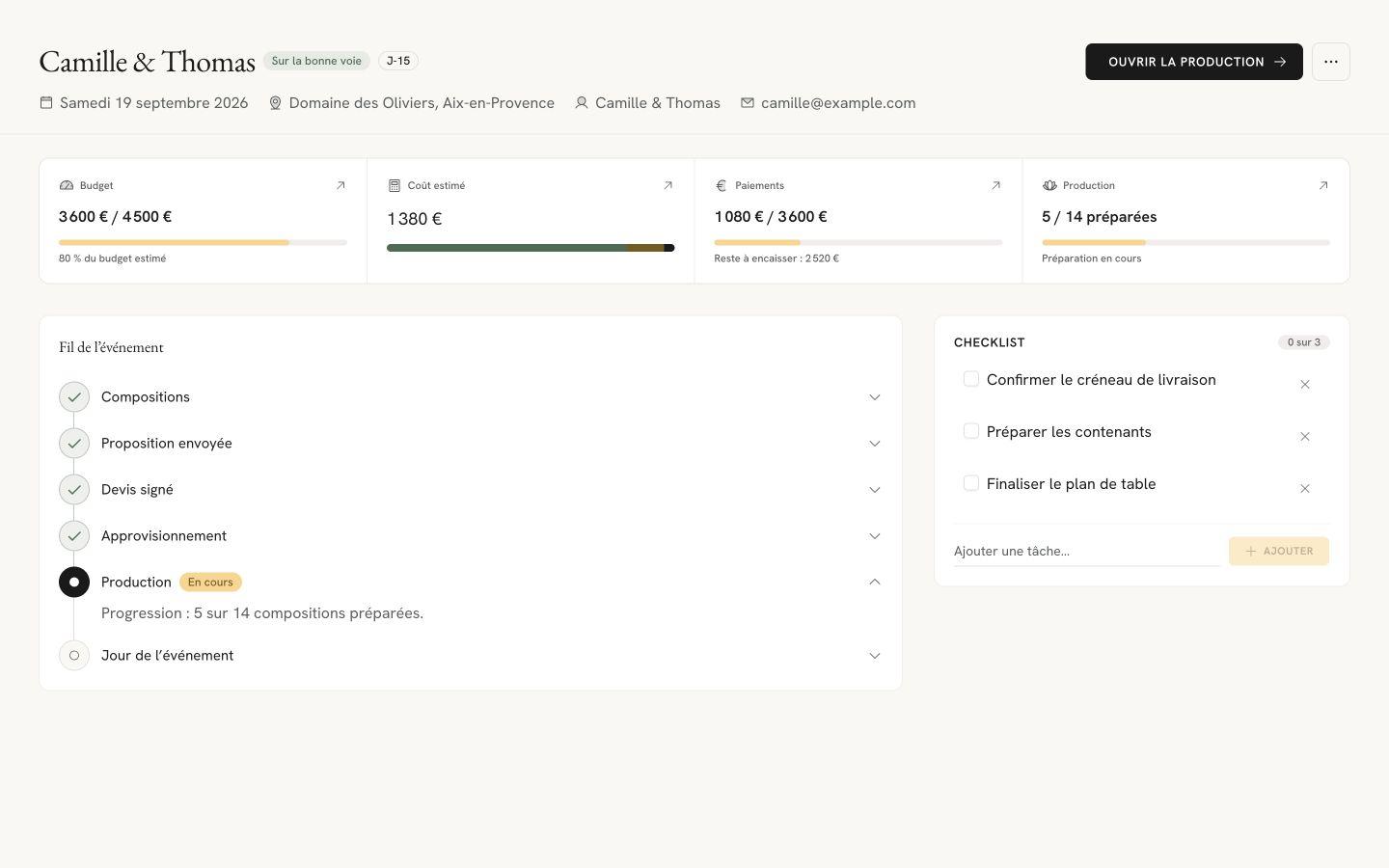
Flolya is French software for event florists that keeps compositions, the proposal, purchasing and payments in one record per event. The calendar places your dates, the record keeps the details you need to prepare.

How it works in your studio
Define the project
Add the client, date, venue and budget. Whether you are preparing a wedding, reception or another event, the record brings together the essential information before you begin designing.
Prepare the next steps
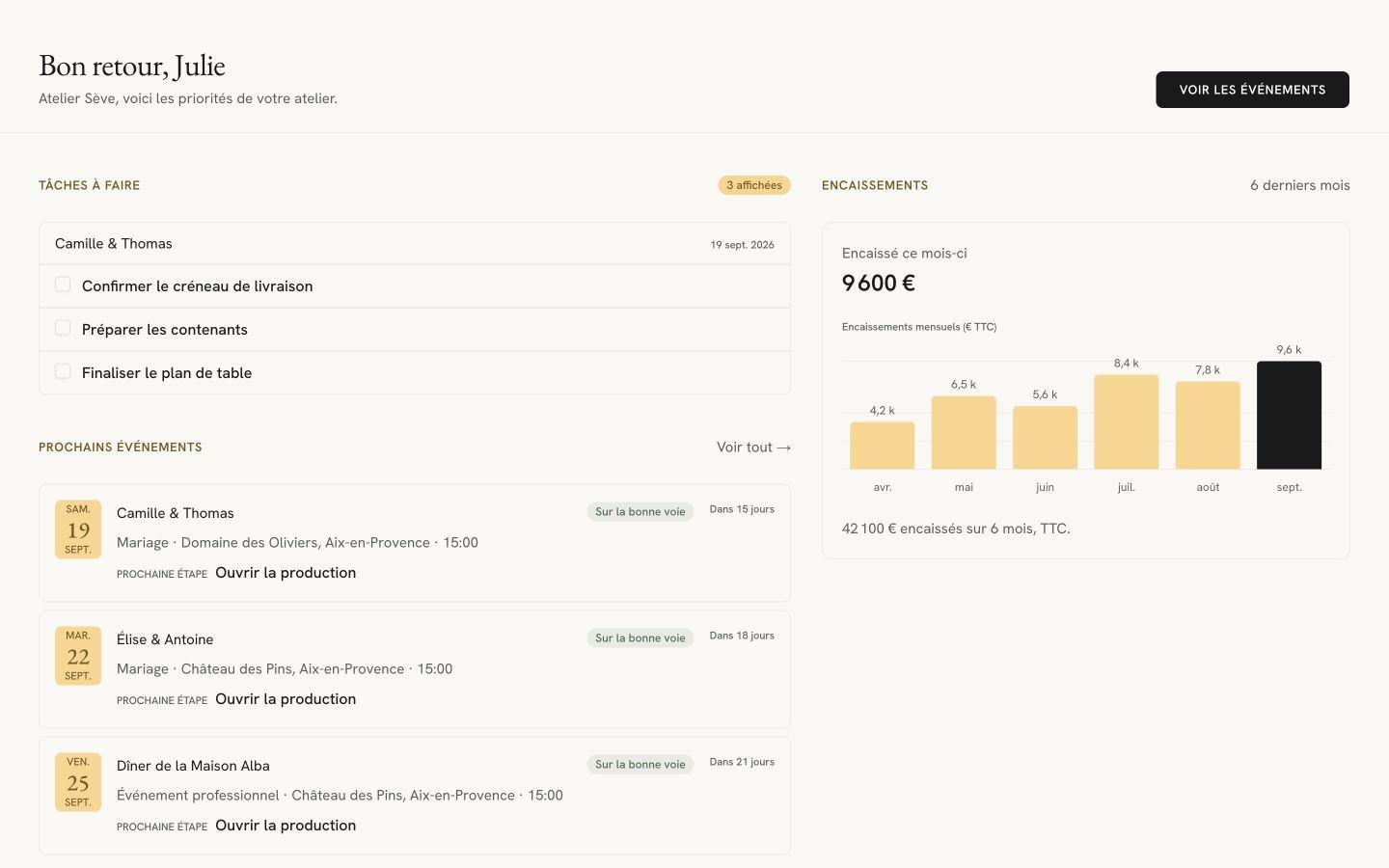
Find events in your calendar and add tasks to support their preparation. Your dashboard shows outstanding tasks and upcoming events to help you organize your working day.
Move from planning to delivery
Open compositions, proposals, orders and payments from the same event. Each workspace addresses a different need while keeping the context of your project and client.
In practice
Start your day with the right priorities.
The dashboard brings together tasks, receipts and upcoming events. It complements the calendar: see what is coming, then return to the relevant event to continue working. Event templates also let you reuse a structure that suits your studio.
Your next step starts here.
These features work with the one you have just explored.
Read the practical guide
Event florist software: 2026 comparisonYes. Each event has its own record and appears in the tracking views. Move between projects while keeping their compositions, documents and deadlines together. Plan limits are listed on the pricing page.
Flolya provides event templates to reuse your preparation process. Adapt the new record to its client and brief rather than treating an old client record as a new project.
The calendar provides a view of dates. The event record holds detailed information and workspaces. They complement one another as you plan and prepare each event.
Your next event starts here.
Bring your clients, floral recipes and documents together in a workspace made for your craft.
Choose the plan that fits your studio.
Or write to us at contact@flolya.com